Find their table. Share the day.
One QR code to find a table, read the program and share photos and videos. Guests use their phone browser. No app or guest account needed.
From $45 per event. One payment, based on your attendee band. No subscription.
Watch how One Code worksTry Maria Lopez in the fictional demo. No signup or payment.
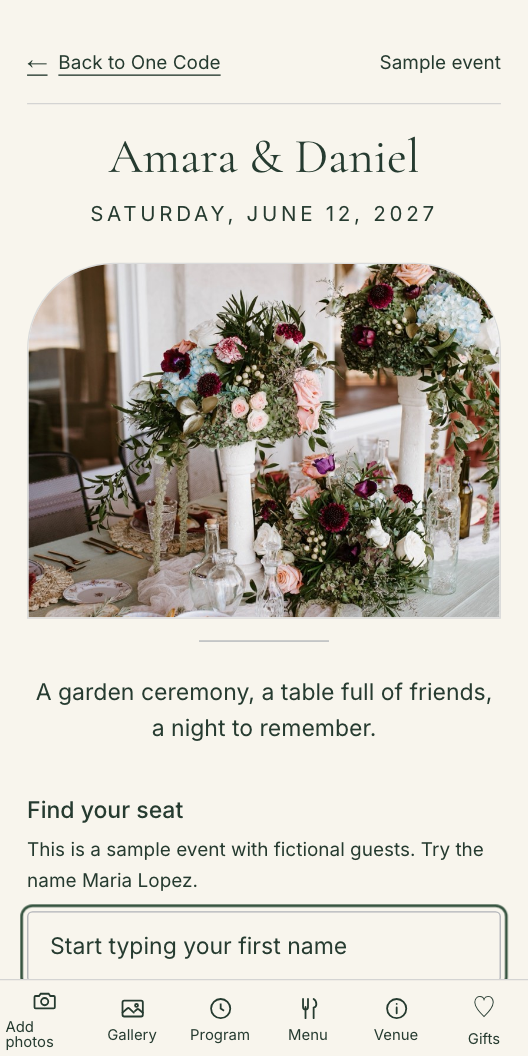
Start with a name. Leave with a place at the table.
Sample screen.

Keep your wedding website.
Use One Code alongside it for seating, the program and shared photos and videos on the day.
Planning events for clients?
Manage separate guest lists and QR codes from one account.
Try the planner sampleHosting events at your venue?
See how separate events keep their guest lists and table assignments apart.
Try the venue sampleOne scan. Be part of the day.
Arrive
Type a name and find the table. Update the seating without reprinting your code.
Enjoy
Keep the program, menu and venue details together, ready when guests need them.
Remember
Guests share photos and videos. You control the gallery and download the originals.
See One Code in action.
From finding a table to sharing the last dance. A quick tour of what you set up and what your guests see, in just over a minute.
Sound optional. English captions included.
A fictional event, shown in the real product. Photographs are illustrative.
Try the guest demoRead the video transcript
One unforgettable day. One simple way to bring it all together. Meet One Code: your event, behind a single QR code.
Guests scan, enter their name, and find their table. No app to download. No guest account to create.
For you, everything starts in one dashboard. Add your guest list, assign tables, and keep your event details in one place.
Make it feel like your celebration. Choose your colors, add a photograph, and preview the page your guests will see.
Download your QR sign and print it. Your link stays the same when you update the details, even after the signs are printed.
The program, the menu, and venue details are just a tap away. Less searching. More time enjoying the moment.
And the moments you missed? Guests can share photos straight from their phones. Browse the gallery, and save the memories you love.
Your event. Your people. One Code. One payment per event, with no subscription. Try the demo at one code dot events.
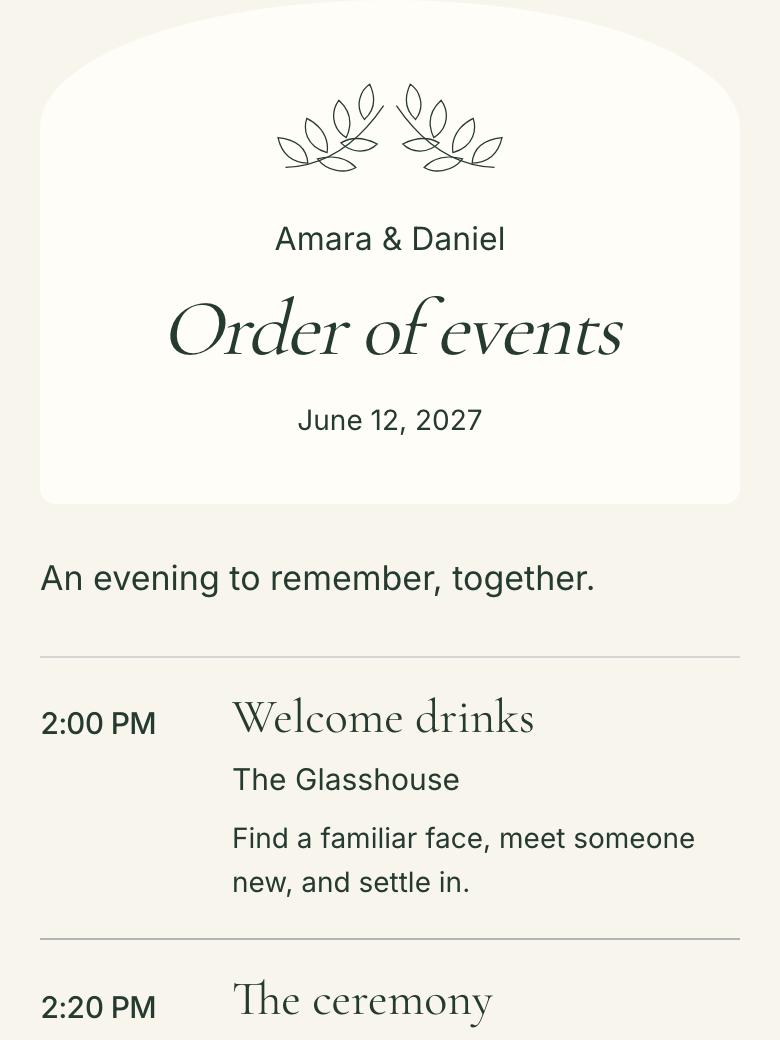
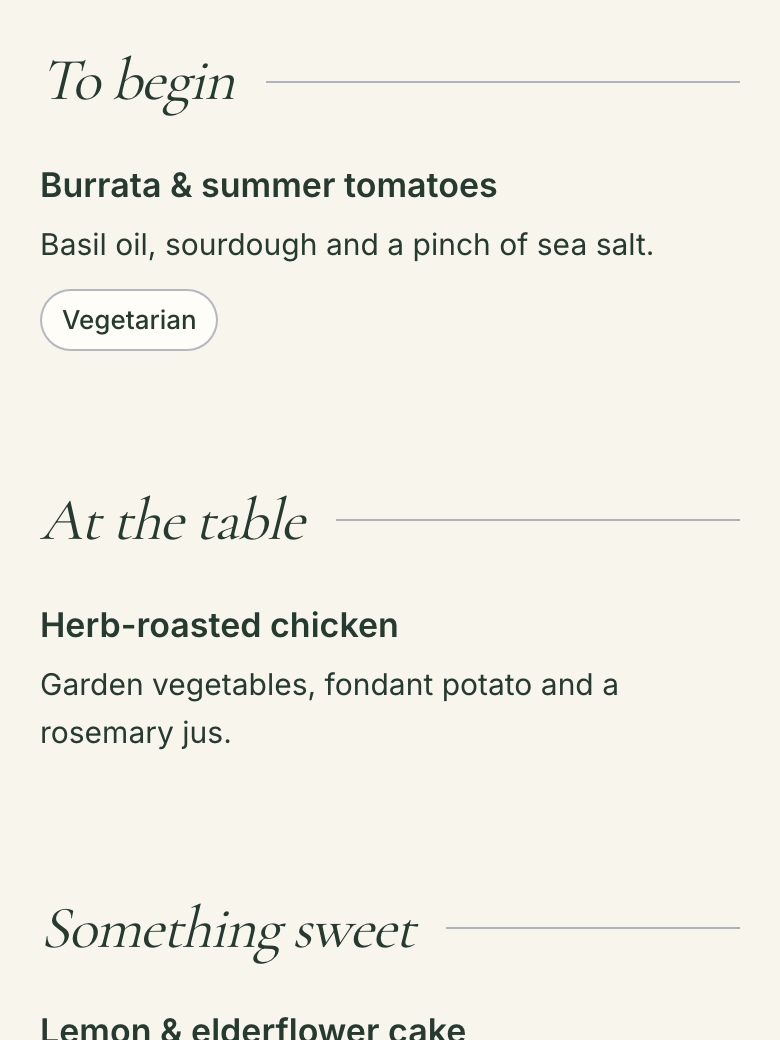
A program and menu that feel like your day.
Choose a style for each, use your event colors and lettering, or upload your own design. These are examples from the real guest pages.
Botanical details with room for the words that matter.
Program openings and menu excerpts. Tap an image to look closer.
Choose what your event needs.
Start with just a menu, gifts or venue information, or combine the features your event needs. Your workspace follows your choices. Add included features later using the same QR code, then preview what guests will see.
Try a sample seating taskUse your colors, lettering and photographs. Download matching entrance signs and table cards.
Use only what you need.
Only selected sections appear in your workspace. Guests see the sections you make available, with no unused tabs. Check the guest preview before sharing your code.
Working with a planner?
Create your event and invite your planner, or ask them to create it for you. Each invitation covers one event; agree on who will own it first.
How it works for plannersHave a spreadsheet? Test your guest list before signing up.
Proof, with your file
Try it on the spreadsheet you already have.
No account, no sign-up, no email address. Drop your guest list in and we show you the first fifteen rows exactly as we read them, with anything odd flagged. This checks the basic spreadsheet reader. Your dashboard also lets you review column mapping and resolve issues before saving. After import, edit guests using your own column names and choose which assignment details guests can see. This preview does not create a guest list.
No guest list is created. We process the file in memory to show this preview. This tool does not save the file or send it to an AI service. Reset the preview when you are finished.
Built for our wedding. Shaped by the people who used it.
One Code began with our founder’s wedding. The aim was simple: help guests find their place, share their photos and keep more of the day on one page, with less to print.
Read our storyOne event. A plan that fits.
One payment includes seating, program, menu, venue details, photo and video sharing with 100 GB of storage, original downloads, your design and print-ready QR signs.
No subscription or automatic overage charge. Invited planners and helpers join at no extra cost.
Choose only the features you need and add others later. Your plan price is based on attendance, not how many included features you select. Attendee and storage limits still apply.
Small · $45
Up to 165 attendees (150 + 15 complimentary).
Standard · $79
Up to 330 attendees (300 + 30 complimentary).
Large · $129
Up to 660 attendees (600 + 60 complimentary).
If your plans grow, approve an upgrade for just the list-price difference. Above 660 attendees, ask us about capacity. Existing purchases keep their original terms.
Try the fictional demo first. You can edit draft details before paying. Guided setup and guest access require purchase.
Create your eventFull refund any time before your event day, for any reason and with no form to fill in. After your event, email us and we will be straight with you. Read the refund policy.
A few useful answers.
Do we have to use every section?
No. Choose what your event includes when you create it, then change those choices in Manage features. Use only a menu, only gifts, or any combination of the included features. Your workspace follows your choices, and guests see only the sections you make available. You can add features later with the same QR code. Feature choices do not change your plan price; attendee and storage limits still apply. Check Preview as guest before sharing.
Can guests find our registry or honeymoon fund here?
Yes. Add a personal message and your registry, Honeyfund, Venmo or Cash App links in Gifts. Guests find them through the same event QR code and finish any payment with that provider. Only the event owner can change gift destinations. One Code does not collect or hold gift money.
What if our guest count changes?
Your plan includes an attendee allowance. If you need a larger band, review and approve an upgrade before adding attendees beyond that allowance. There is no automatic overage charge. Existing guests keep access. If your count falls, your purchased plan stays in place; it does not automatically downgrade.
Do guests need an app or an account?
No. They scan the QR code with their phone camera and use their browser. Keep a printed seating list and a named helper available for anyone who needs a hand. An internet connection is required.
Can I change seating after printing?
Yes. Update your guest list and the next lookup uses the new seating. Your printed QR code stays the same.
Who can see and save our photos?
Anyone with your event code can view and save photos when you enable the gallery. Keep the code within your guest group. You can hide the gallery or moderate individual uploads. Guests receive display copies; hosts can download originals.
What happens to the photos afterwards?
There is no automatic deletion deadline. You can download the original photos and videos from your dashboard. Keep your own backup too. Folder downloads are available in supported browsers; others save individual files.
What if it is not right for our event?
Full refund any time before your event day, for any reason and with no form to fill in. After your event, email us and we will be straight with you.